
Numa Launcher
Your day, from your home screen.
Open Numa Launcher to see what needs your attention. Use it as an app or make it your Android home screen.
Available on Google Play
What you can do
Android 8.0 or later. Google Play checks compatibility with your device.
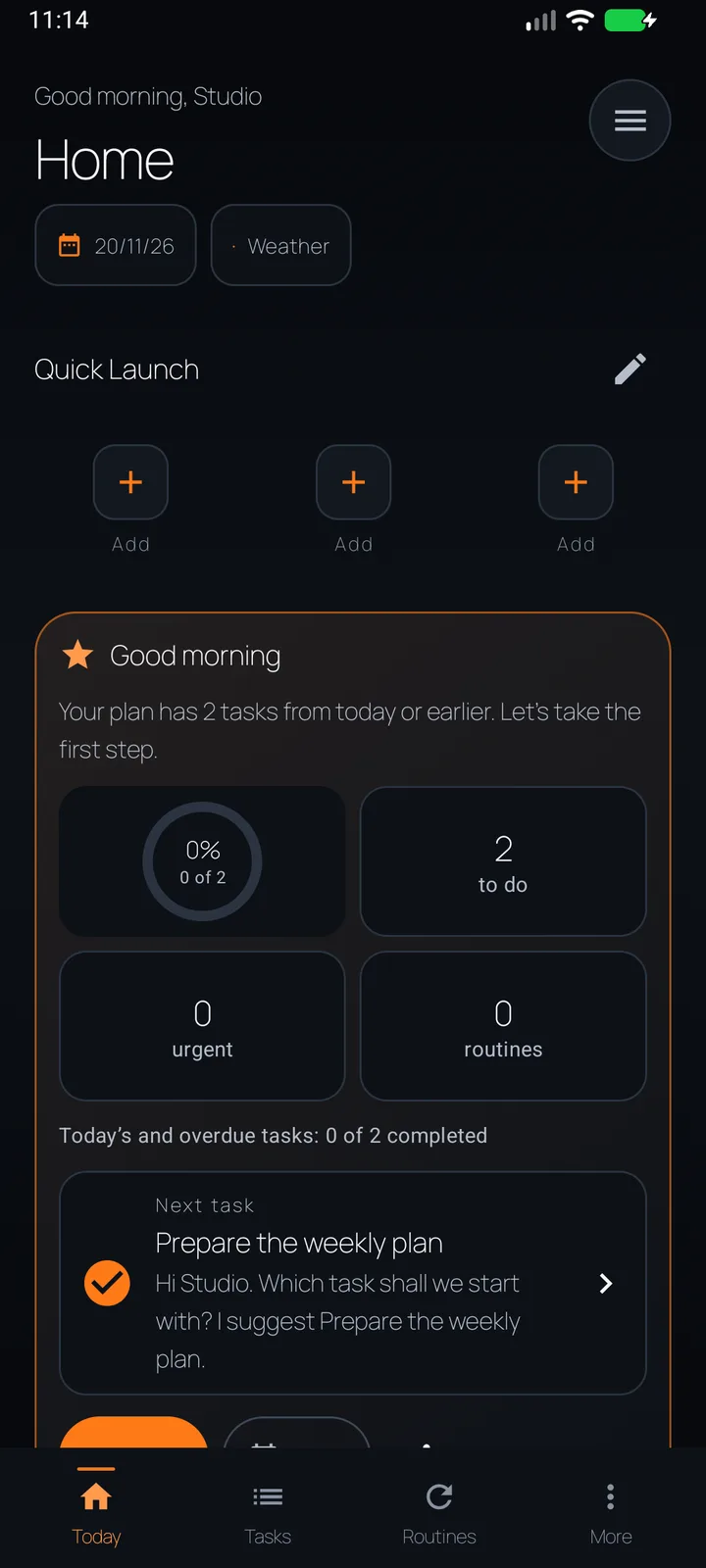
Daily Command Center
See today’s tasks, priorities and routine progress together.
Tasks and reminders
Create tasks, assign priorities and choose when to receive local reminders.
Routines and customization
Build routines from individual steps and make the interface yours with Ember or Sakura.
Optional Notion connection
Sign in with Google and connect Notion to sync selected tasks with that service.
Get started with Launcher
Open Numa from its app icon and create your first task. To use Numa as your home screen, select it as your default home app in Android settings. You can return to your previous home screen from the same menu.